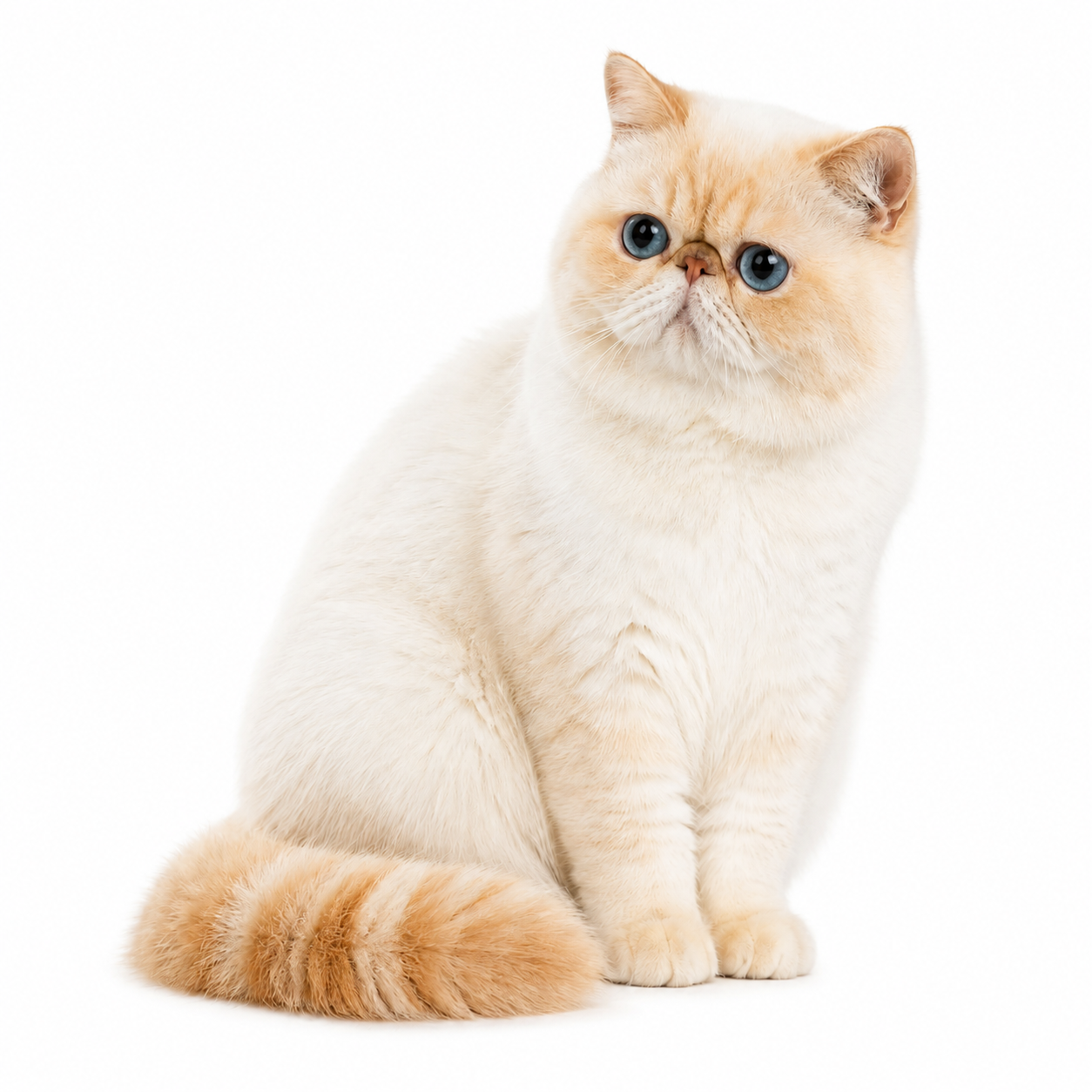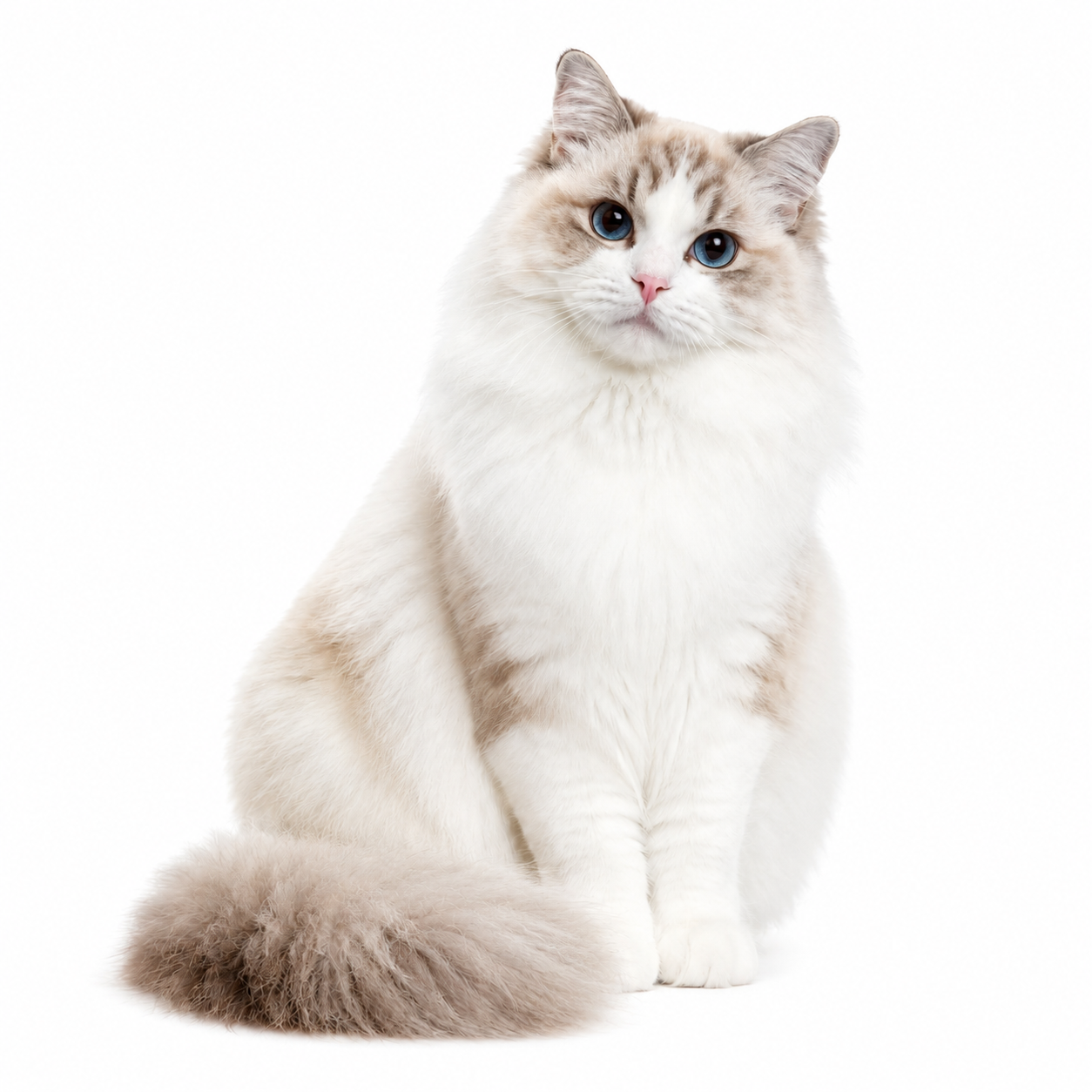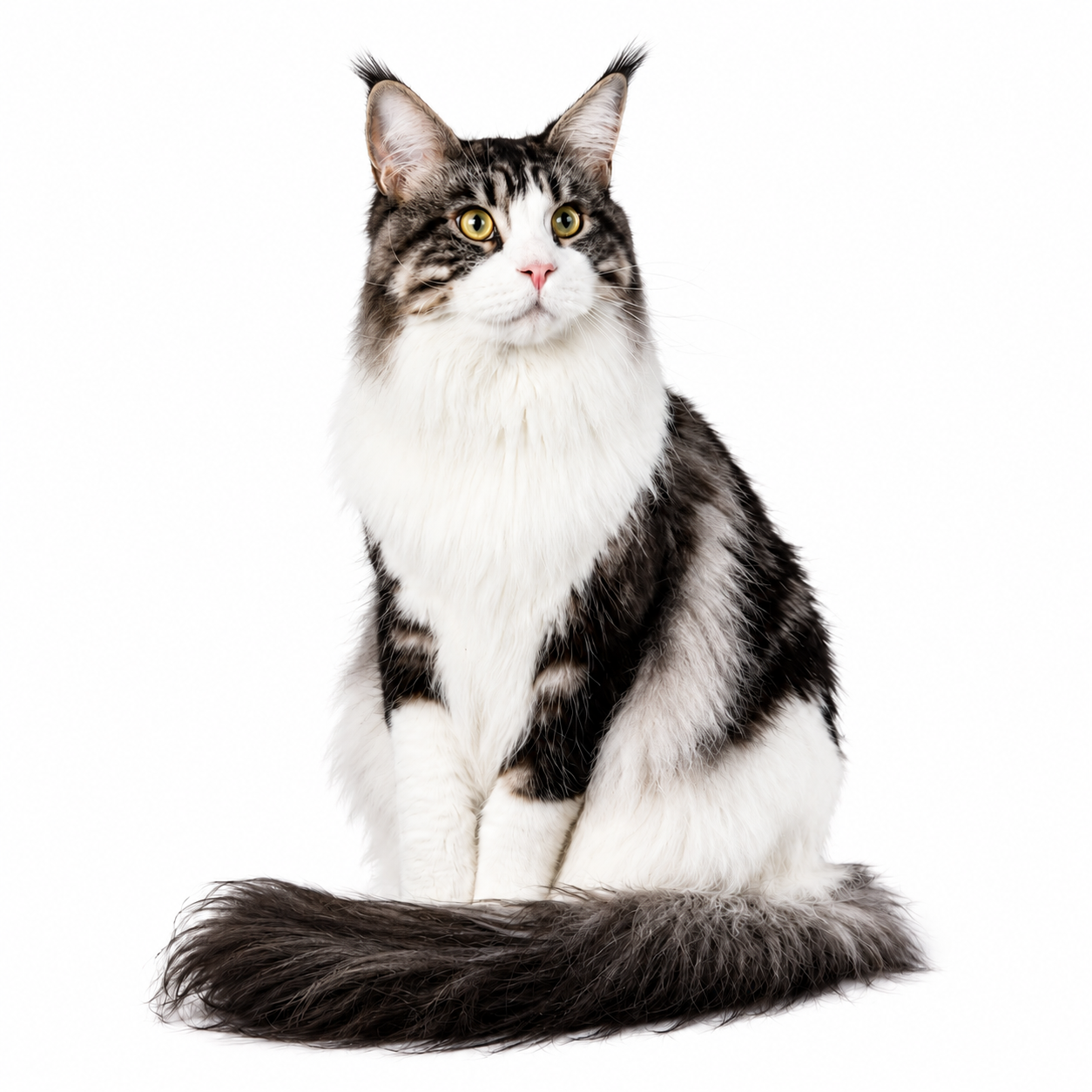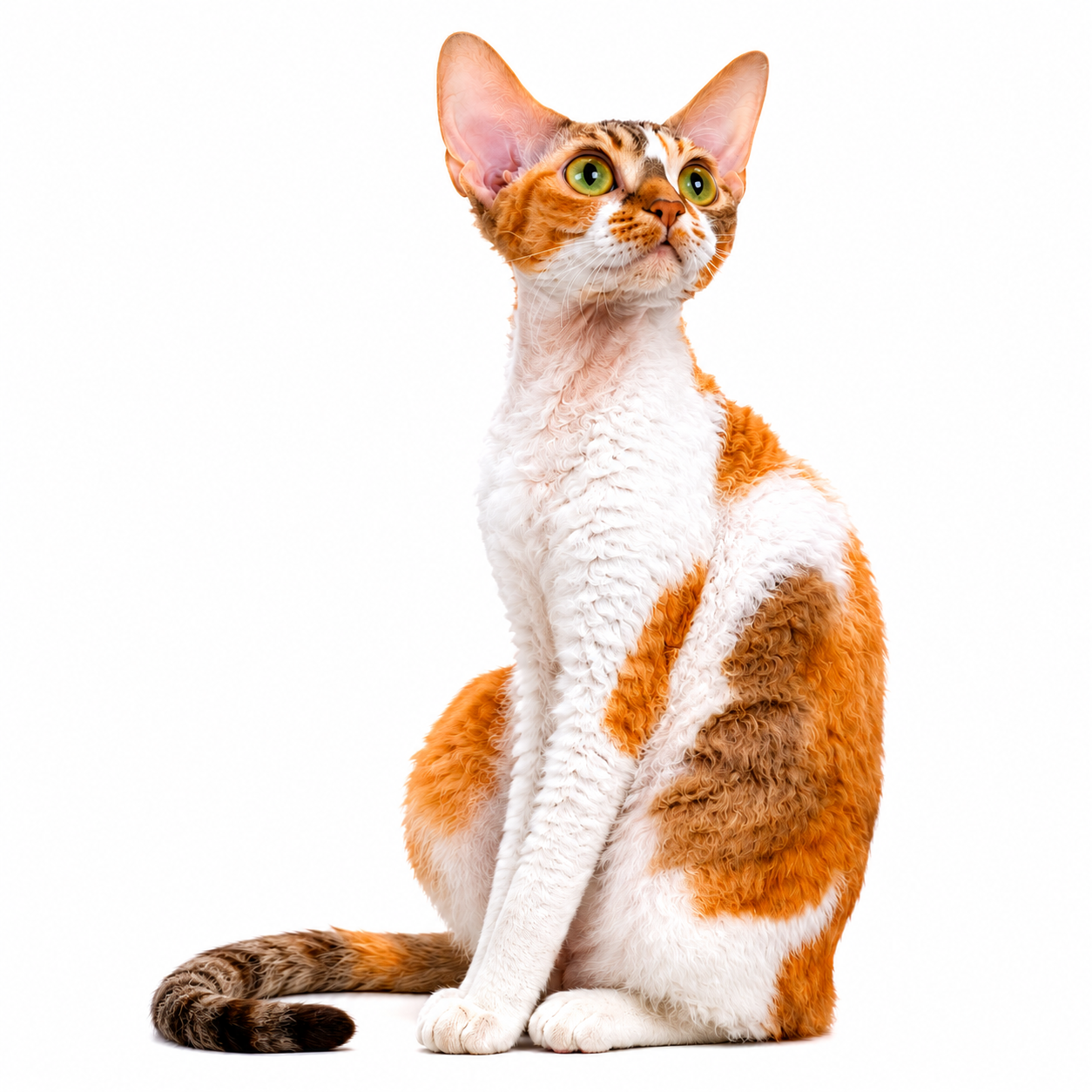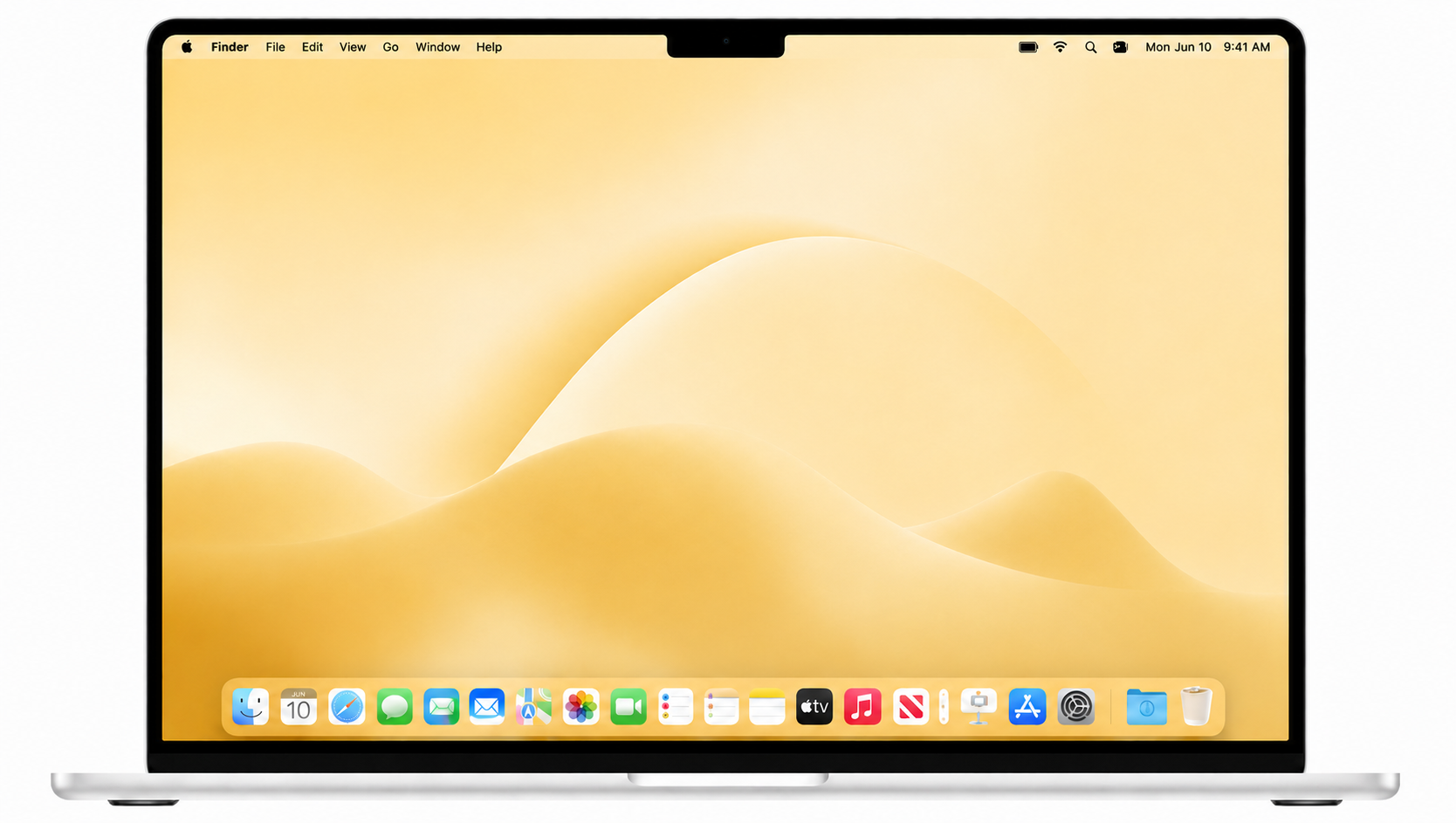
Four cats on a MacBook desktop

Someone's waiting on your desktop.

A digital cat companion for your Mac desktop — there at login, company through the long hours, asleep beside your work.

MacWindowsDigital products

See how a cat can change your day

After loss

The love stays close.

When a cat is gone, you miss more than the cat. You miss the quiet company beside your desk, the stretch before a nap, and the tiny routines that made home feel like home.

With a few favorite photos, create a KiddyPet inspired by the cat you love — a familiar presence on your desktop during the everyday moments that still matter.

Not a replacement. Just a small way to keep them close.

Create My Cat →

Photo inputs

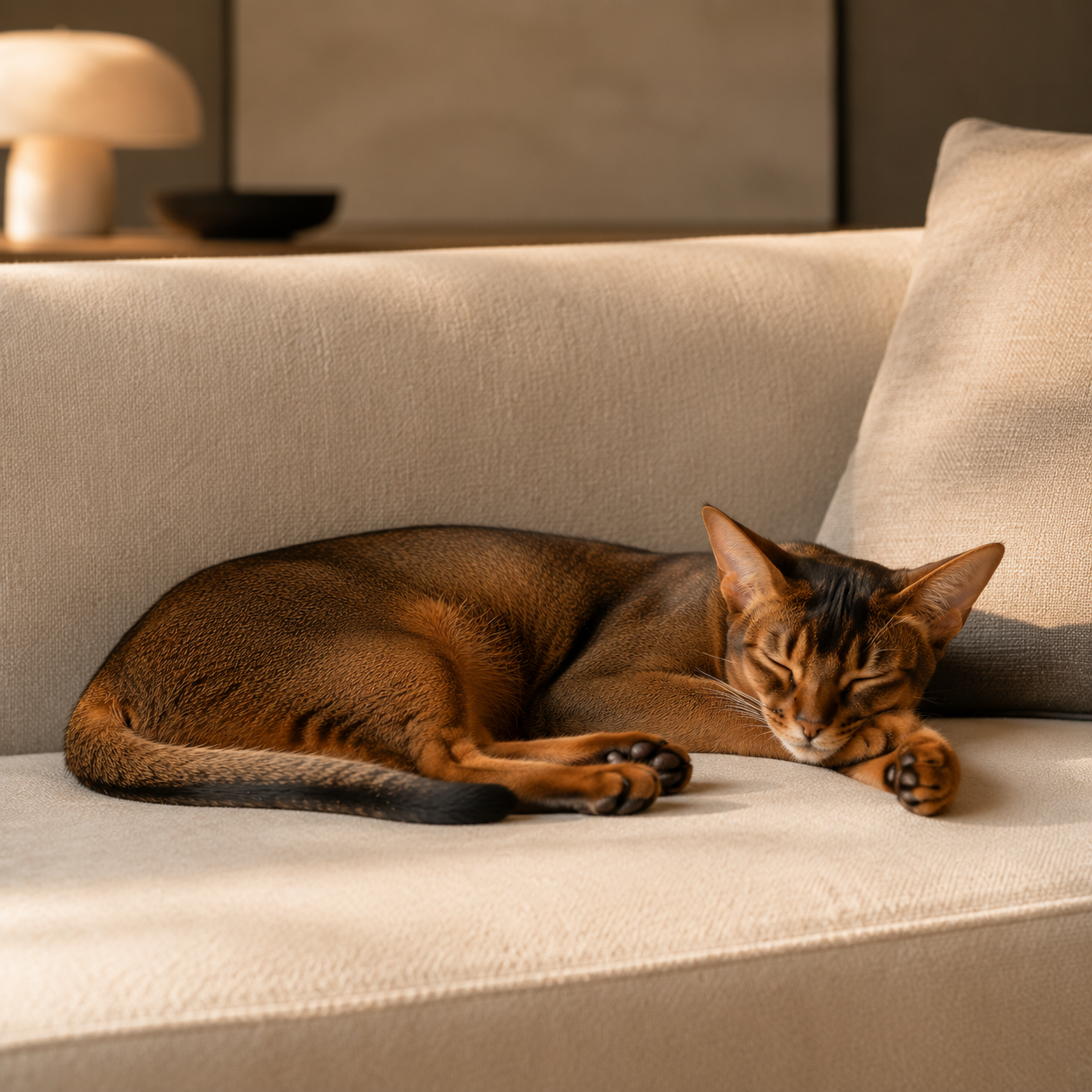
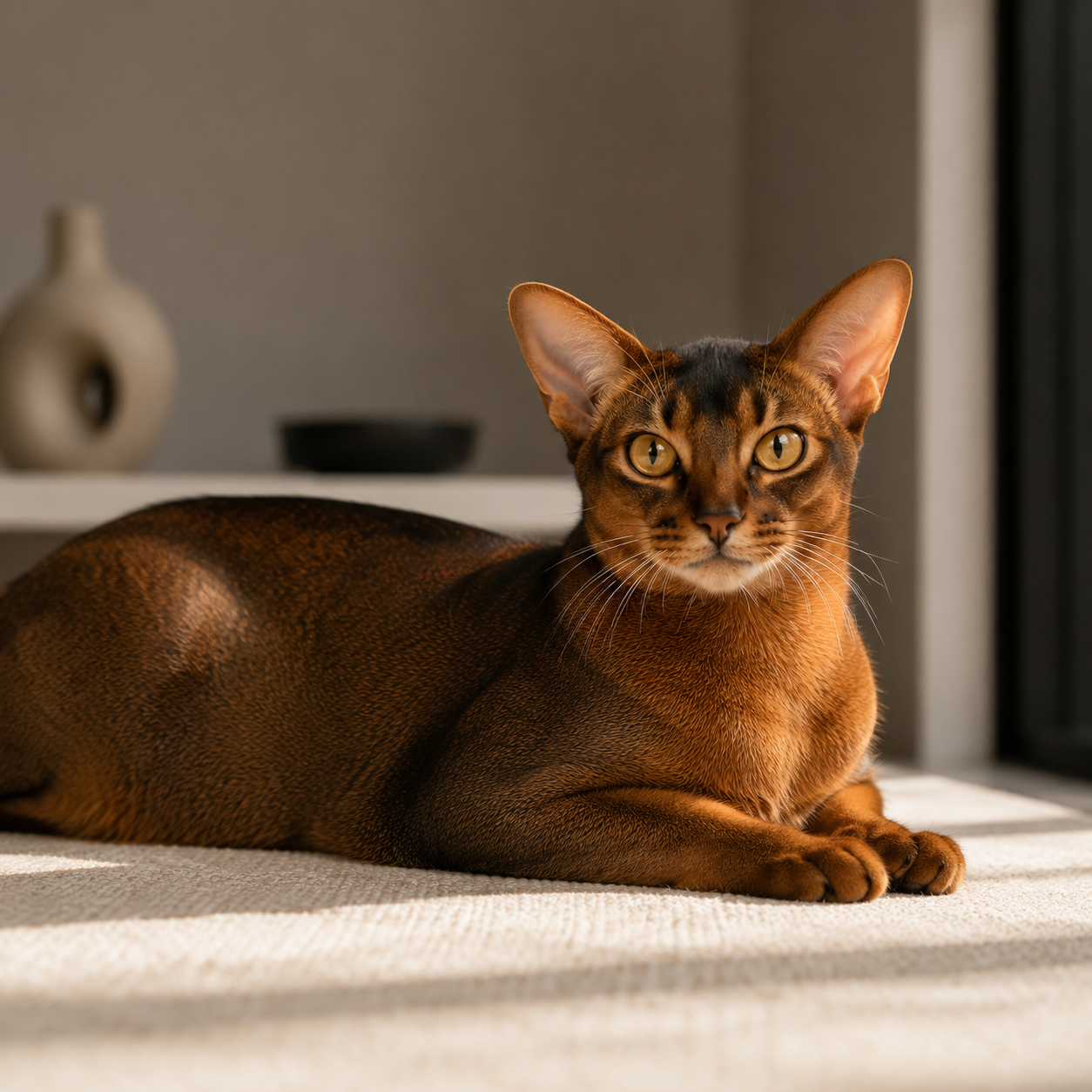
Desktop companion preview
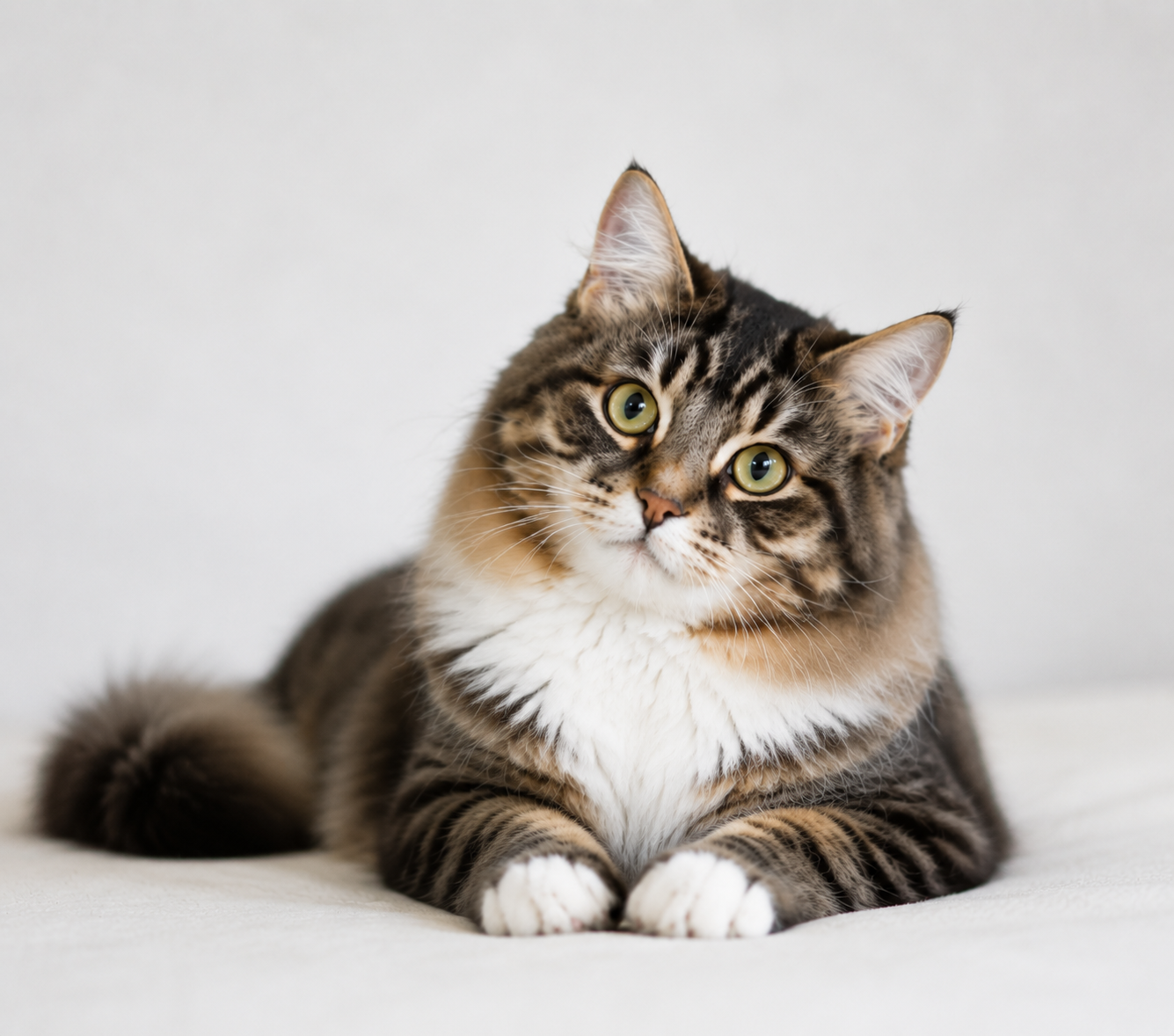
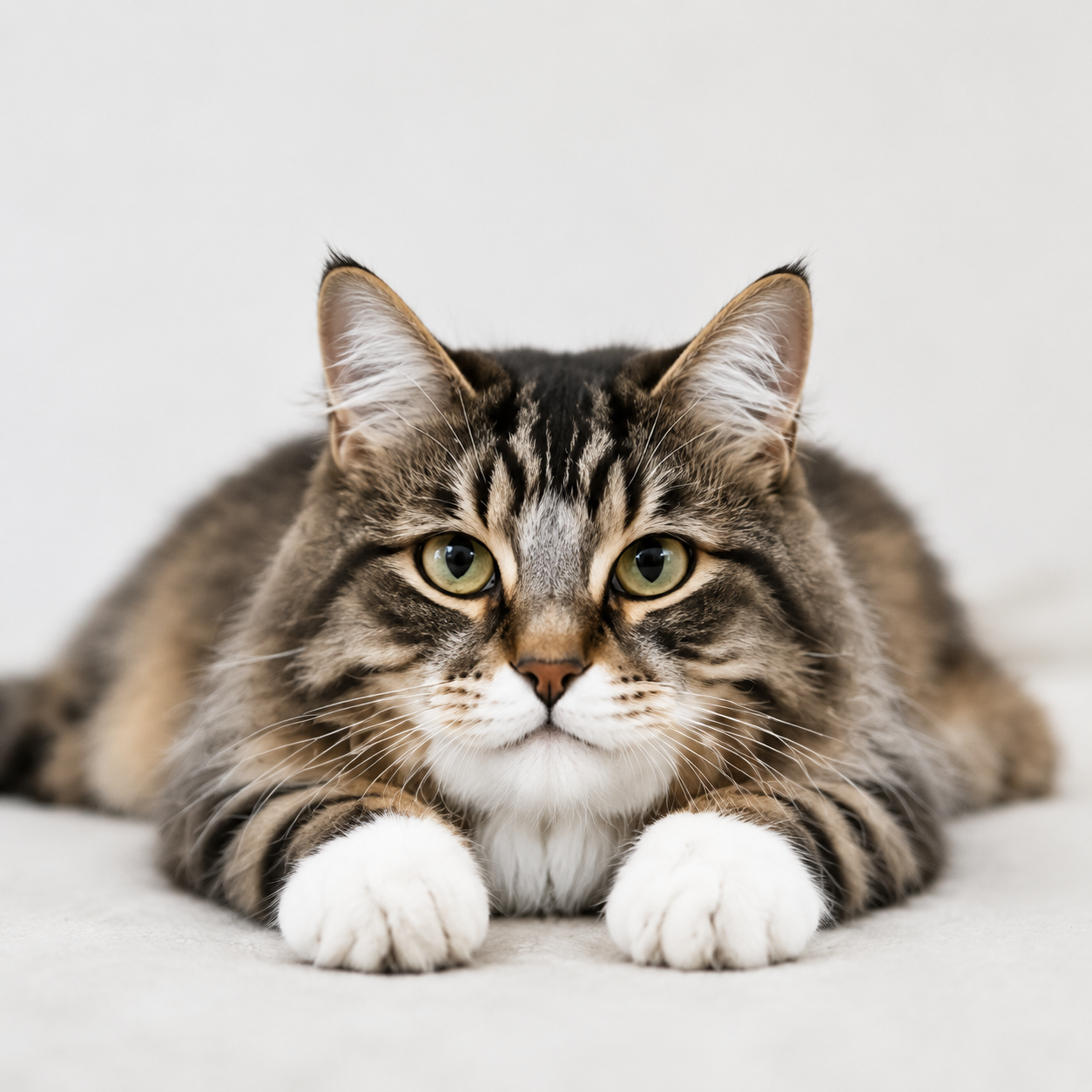
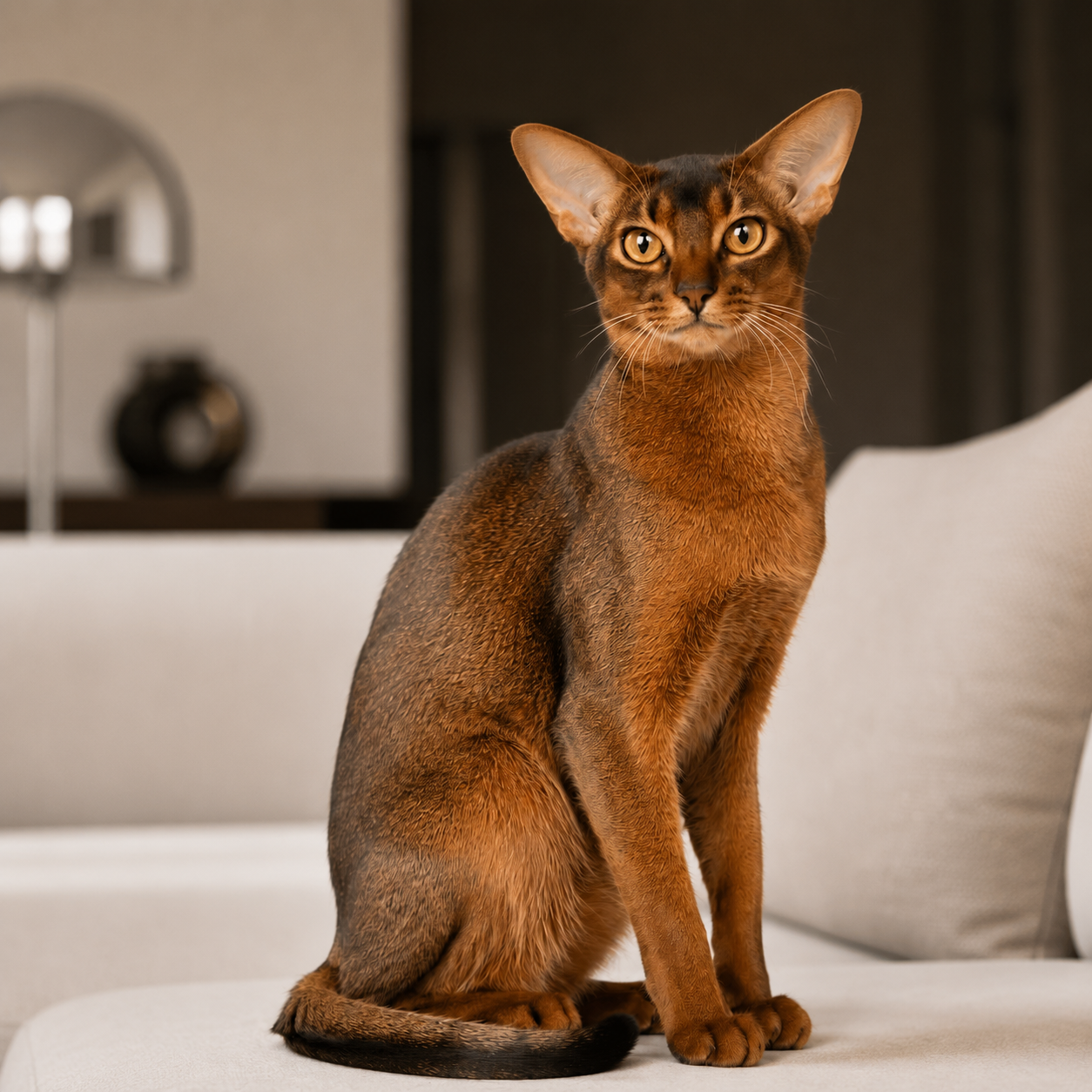
Example cat photo input 1
Example cat photo input 2
Example cat photo input 3
Desktop companion preview
Working alone

A little company can change the whole day.

Working from home can be peaceful — until the room starts to feel too quiet.

After a few calls, another coffee, and one more task, it is easy to feel like the day is all work and no warmth.

With a KiddyPet on your desktop, a stretch, a nap, or a little moment of play can make your workspace feel more like home.

Create one from photos and bring a familiar kind of company into your workday.

Create My Cat →

Desktop companion preview

Photo inputs

Desktop companion preview
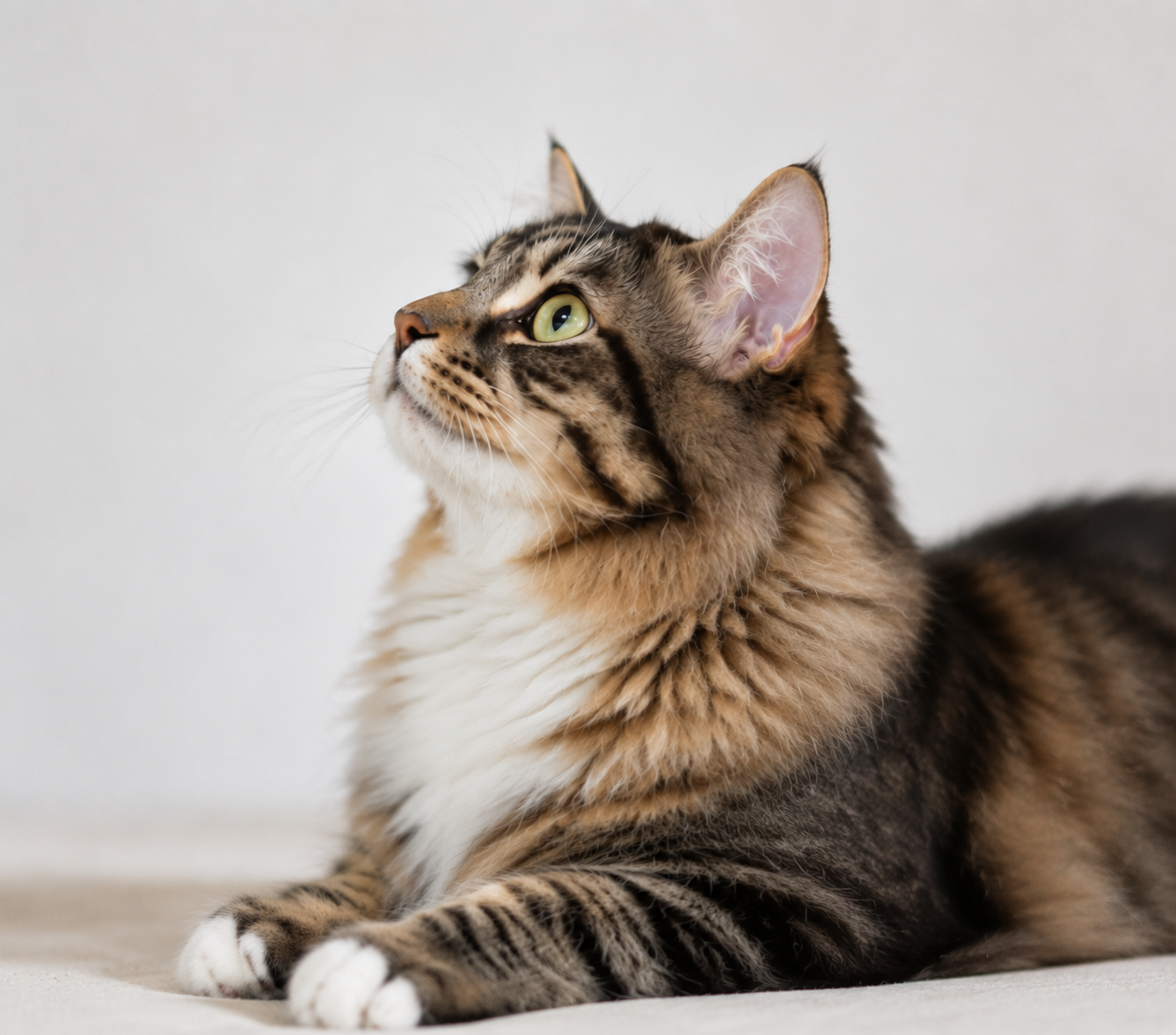
Example cat photo input 1
Example cat photo input 2
Example cat photo input 3
Not the right time

You don't have to wait for the perfect time.

Maybe your lease says no. Maybe you are between moves.

Maybe your schedule cannot yet offer a real cat the time and stability it needs.

That does not make your wish for companionship any less real.

Choose a KiddyPet — a desktop cat that fits the life you have now.

Choose a Cat →
Illustrative life moment 1

No pets allowed

Illustrative life moment 2

Too little space

Illustrative life moment 3

Too busy to care

Illustrative life moment 4

Never settled

Desktop companion preview
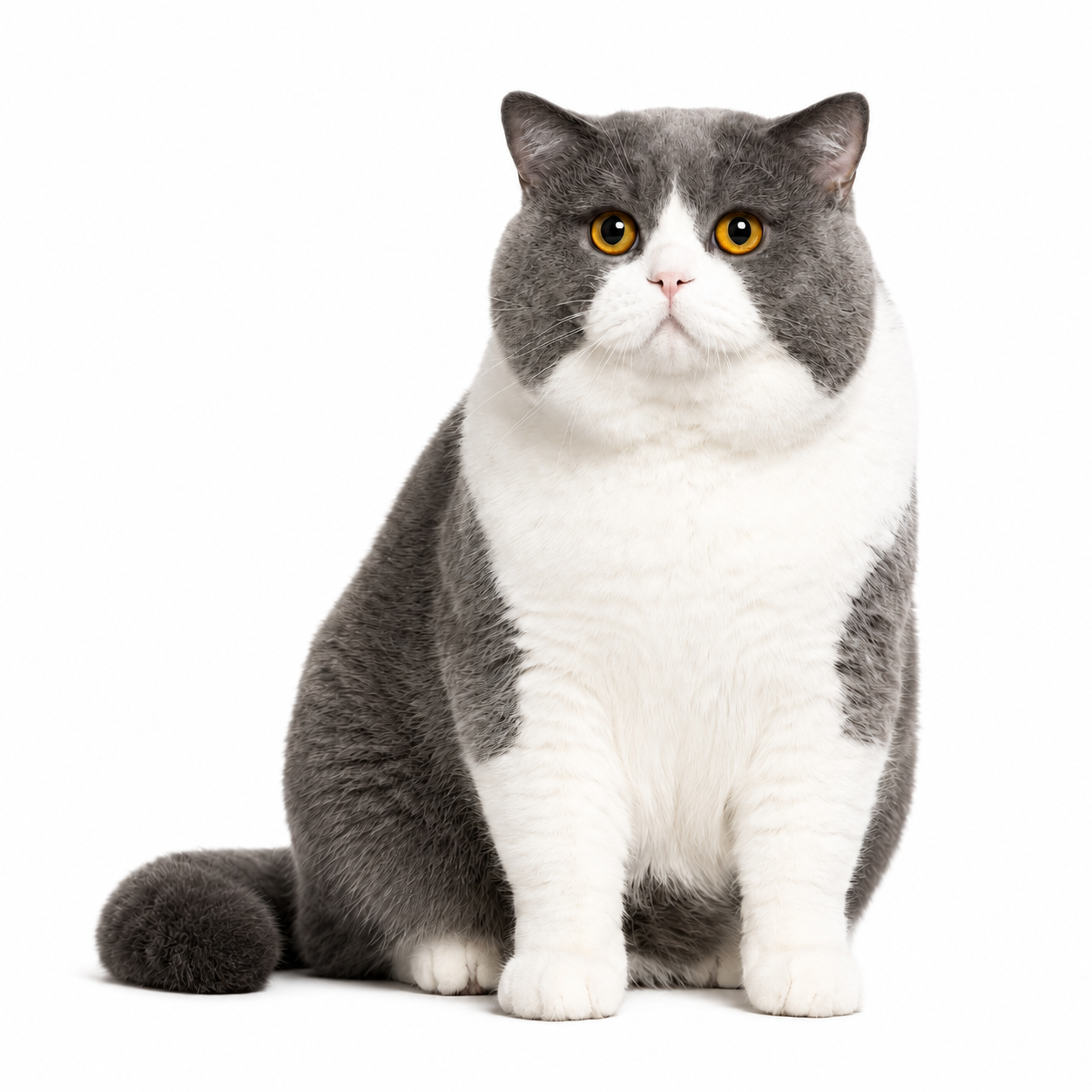
Always with you

They live on your desktop, always nearby.

No limits

No landlord. No restrictions.

Real companionship

Interactive, delightful, and uniquely yours.

Choose your companion

Adopt a KiddyPet original and bring them to your desktop.

How it works

Two ways to bring a companion to your desktop: make one from your own cat, or choose one who's ready to move in.

Have a cat? Make them a companion.

01

Upload 3–5 photos

02

Choose a plan

03

We make your KiddyPet

04

Install KiddyPet

Create My Cat →

No cat? Choose a KiddyPet.

01

Browse the companions

02

Choose your cat

03

Pick an animation plan

04

Purchase & install KiddyPet

Choose a Cat →

Why KiddyPet exists

“My cat passed away last year. I built KiddyPet because the love didn't go anywhere — it just had nowhere to land.”
Read Story →

Frequently Asked Questions

Everything you need to know about KiddyPet.

What platforms are supported?

Currently available for Mac. Windows is not supported yet.

How long does generation take?

Custom cats go through a generation process after you choose a plan. Delivery details are shown before purchase.

What photos do I need to upload?

3–5 clear front-facing photos. Simple background, good lighting, full body visible.

What if I'm not happy with the result?

Your plan includes {{includedEdits}} animation edits after preview. Each edit regenerates one selected animation. The preview shows whether extra animation edits can be purchased for that cat. Uploading a new photo set or remaking a full new cat is a separate creation, not an animation edit.

Is it only for cats?

Cats are our focus for now. Dogs, rabbits and more are coming soon.

How do I use it after installing?

Download your petpack from My Cats, import it into KiddyPet, and your cat appears on your desktop.

Still have questions?

Send us a message and we'll get back to you as soon as we can.